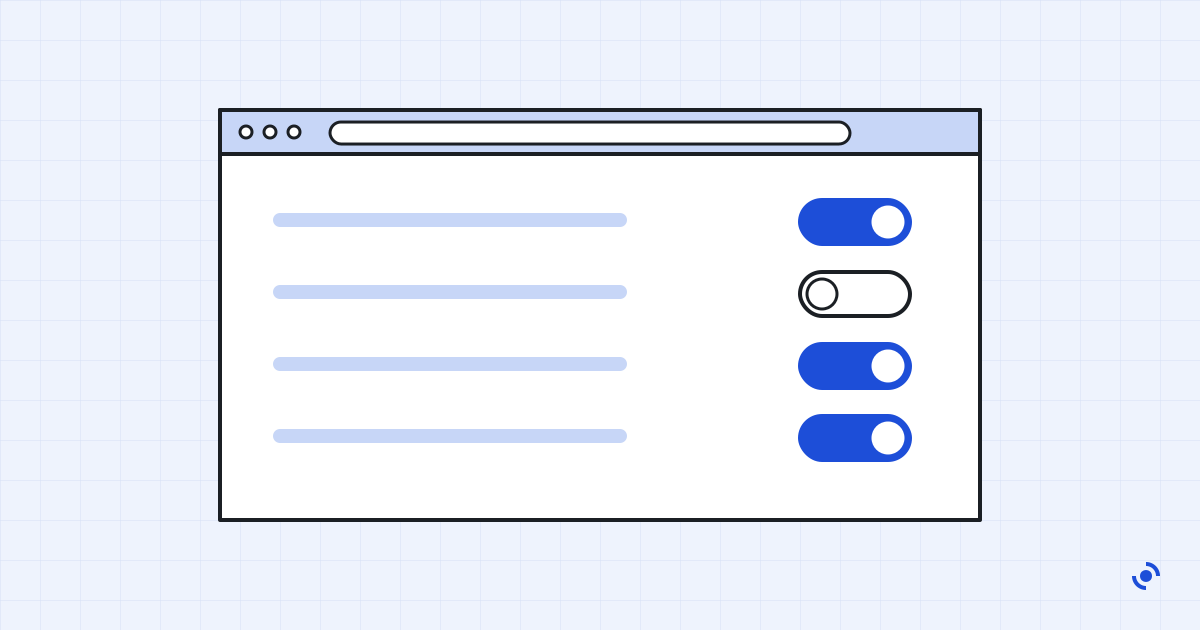
Browsers ship with settings tuned for convenience rather than privacy. A few changes cut down tracking considerably without breaking the sites you use.
Start with third-party cookies
Block them. Safari and Firefox already do by default; in Chrome and Edge it's one switch under privacy settings. Very few sites break, and the ones that do usually ask you to allow an exception.
Then check site permissions
Look at which sites can use your location, camera, microphone and notifications. Most people find a list of sites they visited once, years ago. Remove them all and let sites ask again when they genuinely need access.